Key Takeaways
- Streaming IPTV Apple TV is entirely possible, offering one of the most fluid, premium user interfaces available.
- Because Apple operates a closed ecosystem, you must use highly rated, official apps from the App Store like GSE Smart IPTV or iPlayTV.
- Apple’s powerful A-series bionic chips make decoding heavy 4K sports streams completely effortless and buffer-free.
- You can seamlessly sync your playlists across your Apple TV, iPhone, and iPad via iCloud.
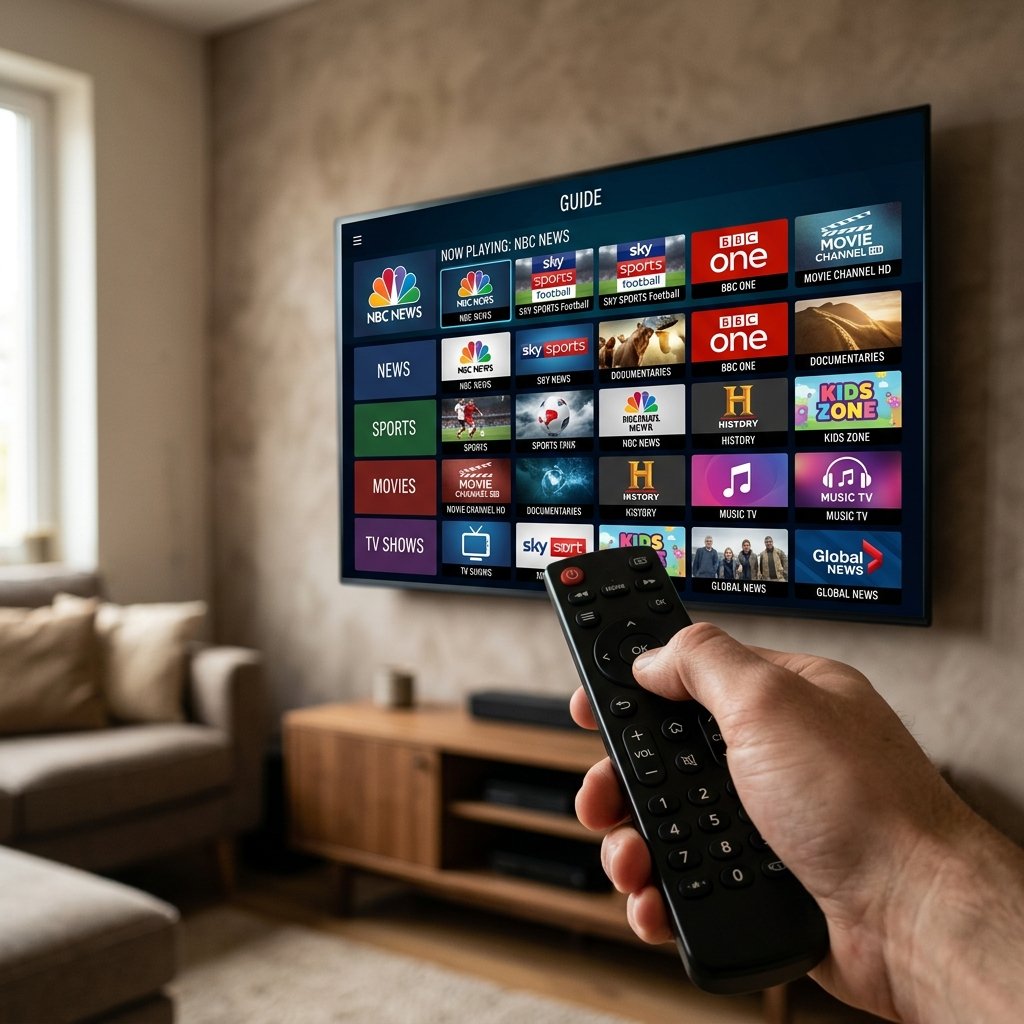
The Apple ecosystem is renowned for its incredible hardware, sleek aesthetics, and rigorous security protocols. However, this “walled garden” approach historically made Apple devices less popular among digital streaming enthusiasts compared to the open environment of Android or Amazon devices. Thankfully, that narrative has completely changed. Today, configuring an IPTV Apple TV setup provides arguably the most premium, stutter-free viewing experience on the market.
Whether you are relaxing in front of your 4K Apple TV in the living room or commuting through London with your iPhone, this guide will demystify the Apple installation process. We will walk you through selecting the correct software and securely loading your premium subscription onto your iOS devices.
1. The Apple Hardware Advantage
If you already own an Apple TV 4K, you possess one of the most powerful streaming boxes in existence. Unlike cheap, generic streaming sticks, the Apple TV utilises the same advanced Bionic processors found in high-end iPhones. This raw computing power means that navigating massive 10,000-channel playlists and decoding intense, high-framerate 4K live sports broadcasts is handled effortlessly.
While our IPTV Firestick UK guide outlines a budget-friendly route, the Apple TV remains the luxury choice for users who demand absolute fluidity and zero interface lag. Industry analysis, such as that found on the Wikipedia Set-top box page, frequently notes the increasing shift of consumers towards premium, high-capability devices to handle demanding 4K content.
2. Choosing the Right App from the App Store
Because Apple strictly forbids “sideloading” unverified applications, you cannot simply download an APK file from the internet. You must use official applications vetted by Apple and hosted on the App Store. Fortunately, there are several outstanding, fully legal media players designed specifically for iOS and tvOS.
- iPlayTV: Widely considered the gold standard for Apple TV. It features an incredibly beautiful, Apple-esque interface that blends perfectly with the tvOS aesthetic. It handles massive EPG (TV Guide) files seamlessly and supports iCloud sync.
- GSE Smart IPTV: A highly versatile, robust application available across all Apple devices. It is slightly more complex visually but offers immense customisation options and flawless Xtream Codes API integration.
- IPTV Smarters: A familiar, reliable interface that operates similarly across all platforms. It is excellent for users transitioning from Android devices.
3. Step-by-Step Installation Guide (iPlayTV Example)
Once you have secured a high-quality connection from our IPTV Packages, follow these steps to load your stream onto your Apple TV:
- Download the App: Open the App Store on your Apple TV dashboard, search for “iPlayTV” (or your chosen player), and install it.
- Add Playlist: Open the application and select “Add Playlist”. Choose the “Xtream Codes” method, as this is the most stable and feature-rich format.
- Enter Credentials: You will be prompted to input the server details provided in your welcome email. Enter a name (e.g., “UK Premium”), the Server URL, your specific Username, and Password.
- Sync and Load: Click “Save”. The application will now securely connect to our servers, downloading the live channel roster, the expansive VOD library, and populating the TV guide. Depending on your broadband speed, this initial sync takes roughly 60 seconds.
4. Watching on iPhone and iPad
The beauty of the Apple ecosystem is continuity. By downloading a compatible app (like GSE Smart IPTV) on your iPhone or iPad, you can input the exact same credentials to access your subscription on the go. This is perfect for watching live sports while travelling or catching up on UK television while on holiday abroad.
Crucial Note: Always ensure your subscription plan allows for multiple device connections if you intend to watch on your Apple TV and iPhone simultaneously. Attempting to dual-stream on a single-connection plan will result in buffering or an account block.
Conclusion
Setting up IPTV on an Apple TV or iOS device dispels the myth that the Apple ecosystem is too restrictive for advanced streaming. By utilising official, high-quality applications and leveraging Apple’s immense processing power, you are guaranteed a cinematic, luxury viewing experience.