Key Takeaways
- Using IPTV multiple devices simultaneously is entirely possible, but strictly requires a multi-connection subscription plan.
- A standard, basic subscription typically permits only one concurrent stream. Attempting to use two devices on a single connection will result in buffering or an IP block.
- You can install the streaming application on as many devices as you own; the restriction applies solely to simultaneous viewing.
- If sharing an account across different IP addresses (e.g., your home and a holiday home), consult your provider’s terms to prevent accidental account bans.
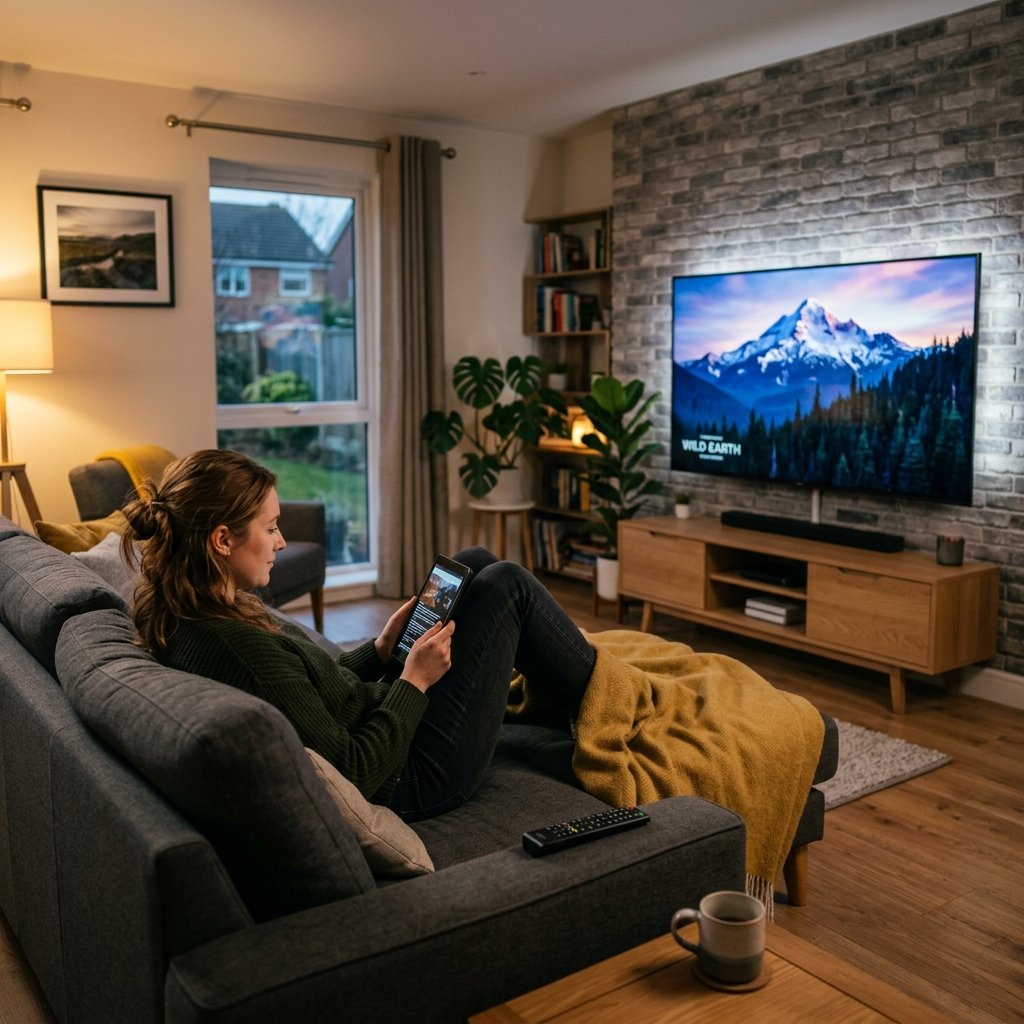
Modern British households consume media across a vast array of screens. Gone are the days when a family would crowd around a single television set in the living room. Today, it is perfectly normal for one person to watch a football match on the main Smart TV while someone else streams a documentary on an iPad in the bedroom. This fragmentation of viewing habits raises an incredibly common question: how does IPTV multiple devices functionality actually work?
Understanding the technical limitations and pricing structures regarding device connections is absolutely essential before purchasing a digital streaming subscription. If you misunderstand the rules, you risk experiencing severe buffering or even having your account permanently suspended by the server administrator. In this guide, we will break down exactly how concurrent connections operate.
1. The Difference Between “Installations” and “Connections”
The most frequent point of confusion for new users is the difference between installing an application and actively using a connection.
You can theoretically download your preferred media player (as discussed in our Xtream Codes guide) onto twenty different devices in your home—your living room TV, bedroom Firestick, kitchen tablet, and personal smartphone. You can enter your login details into all of them. The server does not care how many times the software is installed.
The server only cares about how many devices are pulling video data at the exact same millisecond. If you purchase a standard “1-Connection” plan, you can watch on the living room TV. However, if you leave the living room TV running and open the app on your smartphone, the server detects two active data requests. It will immediately cut the feed to one or both devices, resulting in a black screen or endless buffering.
2. Multi-Connection Plans Explained
If you intend to stream on several screens at once, you must purchase a multi-connection plan. When browsing our premium IPTV Packages, you will notice tiered pricing structures offering 1, 2, or 3 concurrent connections.
- 1 Connection: Ideal for single individuals or couples who only watch television in one room at a time.
- 2 Connections: The most popular tier for families. It allows the main living room TV to broadcast live sports while a secondary device streams movies elsewhere in the house.
- 3+ Connections: Perfect for large households or “power users” who utilise features like multi-view on TiviMate to watch several sports feeds simultaneously.
3. The IP Address Restriction (Location Sharing)
Another crucial factor to consider when using IPTV on multiple devices is your physical location (specifically, your IP address). Many premium providers employ strict “IP Locking” security measures to prevent users from purchasing a multi-connection plan and sharing it with their friends across the country.
Usually, a multi-connection plan must be used under a single roof (i.e., on the same broadband router, sharing the same external IP address). If the server detects Connection 1 streaming from an IP address in London and Connection 2 streaming simultaneously from an IP address in Manchester, the automated security system will flag the account for account sharing and instantly ban it. Cybersecurity experts often note that IP tracking is a standard security protocol for digital service providers to prevent unauthorized access. For more context on the underlying technology, see the Wikipedia article on IP addresses.
4. Using a VPN with Multiple Devices
If you use a Virtual Private Network (VPN) on your devices, you must ensure that all devices in the home connect to the exact same VPN server to maintain a uniform IP address. If your Smart TV connects to a VPN server in London, but your tablet connects to a VPN server in Paris, the IPTV provider will register two different geographic locations and may block the account.
Conclusion
Streaming digital television across your entire home is incredibly easy, provided you purchase the correct subscription tier. By accurately assessing your family’s viewing habits and selecting a multi-connection package, you guarantee a seamless, conflict-free entertainment experience across every screen you own.