Key Takeaways
- An IPTV EPG (Electronic Programme Guide) functions exactly like a Sky TV guide, showing current and upcoming broadcasts.
- Catch-Up TV allows you to rewind time and watch live broadcasts you missed up to 7 days ago.
- TiviMate and IPTV Smarters Pro are the best apps for fully utilising EPG XMLTV links.
- A premium provider integrates these features seamlessly into your subscription.
When transitioning from traditional cable to digital streaming, many British viewers fear they will lose the user-friendly interfaces they have grown accustomed to. Fortunately, modern digital broadcasting is incredibly sophisticated. Understanding how to navigate an IPTV EPG catch-up system is the key to unlocking an entertainment experience that rivals, and often surpasses, traditional set-top boxes.
In this comprehensive guide, we will break down exactly what an Electronic Programme Guide is, how Catch-Up TV functions without requiring a physical hard drive to record, and how you can configure your setup to never miss a moment of your favourite British television.
1. The EPG Explained: Your Digital TV Guide
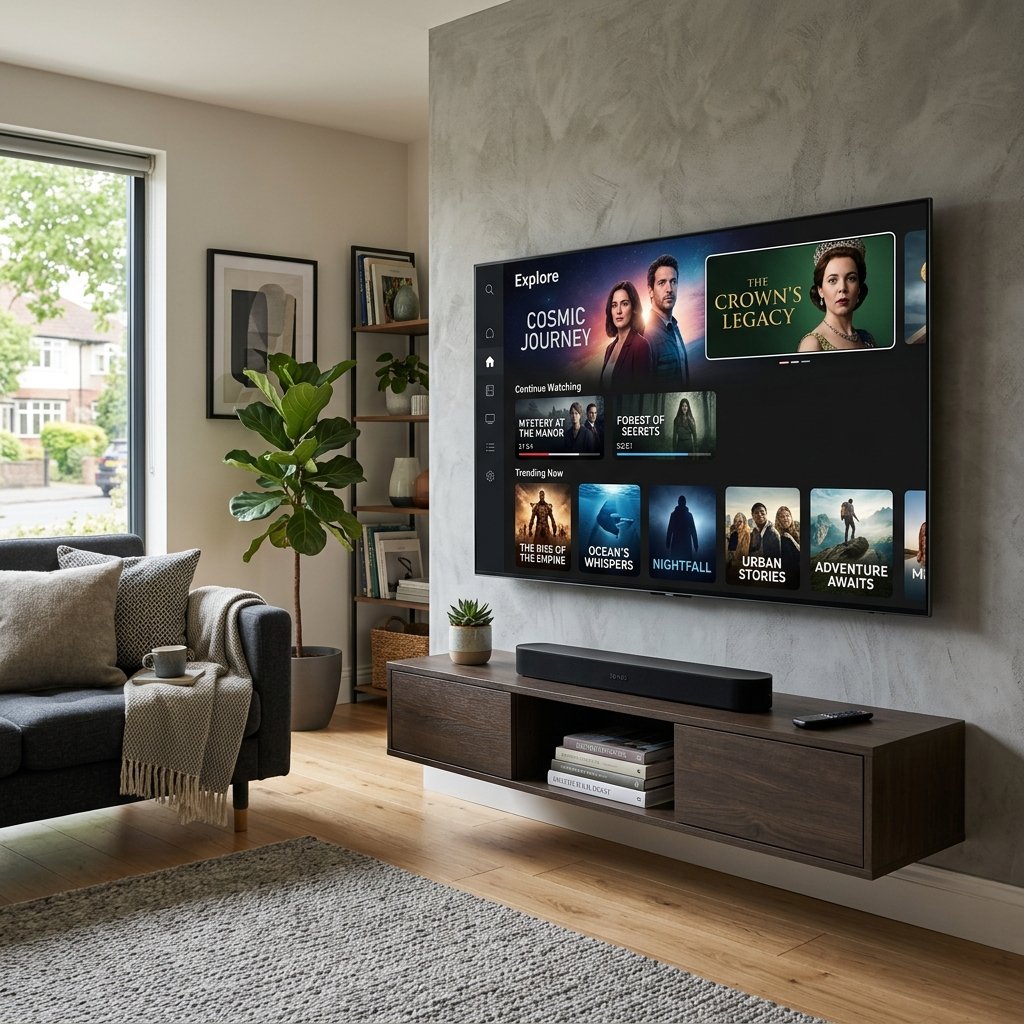
EPG stands for Electronic Programme Guide. It is the digital equivalent of the TV listings page in a newspaper, but fully interactive. When you open a premium streaming application, the EPG is the grid interface that displays all your channels on the left, with the current and upcoming shows spread across a timeline to the right.
In the background, an EPG works via an XMLTV link. This is a massive database file provided by your host that syncs with your channel list. It automatically downloads the metadata for millions of broadcasts—including show descriptions, cast lists, and episode numbers. Without a functional EPG, you would be forced to click blindly through thousands of channels to find what is currently airing, which is an infuriating experience.
If you are exploring different IPTV Packages, always ensure the provider guarantees a fully populated, automatically updating UK EPG.
2. What is Catch-Up TV?
Historically, if you wanted to record a football match while you were at work, you needed a physical Sky+ box or a TiVo box with a spinning hard drive. You had to manually set the recording in advance. Catch-Up TV completely revolutionises this process.
Catch-Up TV operates entirely in the cloud. Premium providers automatically record and store the broadcasts of major UK channels (like BBC One, ITV, Sky Sports, and Sky Cinema) on their own massive servers for a rolling period—typically between 3 to 7 days.
When you view your EPG, you will notice a specific icon (often a small clock or a circular arrow) next to channels that support Catch-Up. You can simply scroll backwards in time on your TV guide, select a show that aired three days ago, and press play. The stream will instantly begin, allowing you to fast-forward through the advert breaks exactly as if you had recorded it yourself.
For a deeper understanding of the technology behind on-demand services, the Wikipedia page for Video on demand provides an excellent technical overview.
3. The Best Apps for EPG and Catch-Up
Not all media players process EPG data effectively. To get the most out of your IPTV EPG catch-up features, you must use a capable application.
- TiviMate: Widely regarded as the absolute best application for Android and Firestick devices. Its EPG interface is stunning, mimicking the sleekness of modern cable boxes. It handles massive XMLTV files effortlessly and makes navigating the Catch-Up archive incredibly intuitive.
- IPTV Smarters Pro: A highly versatile, user-friendly app available on almost every platform. It features a dedicated “Catch-Up” tab on its home screen, making it very easy for non-technical users to find missed broadcasts.
4. Troubleshooting Missing EPG Data
Occasionally, you might open your app and see “No Information” across your TV guide. This usually means the app failed to download the latest XMLTV file from the server. To fix this:
- Navigate to your app’s settings.
- Locate the “EPG” or “TV Guide” section.
- Click “Update EPG” or “Refresh Guide”.
- Wait 60 seconds for the progress bar to complete.
If the guide remains blank, check your broadband connection. You can also review our Installation Guide for advanced technical support on linking EPG URLs manually.
Conclusion
The combination of a robust EPG and an extensive Catch-Up archive is what transforms a basic streaming link into a premium television experience. By choosing the right provider and a high-quality application, you ensure that you remain in total control of your viewing schedule, allowing you to watch the best of British broadcasting entirely on your own terms.