Key Takeaways
- An IPTV Smarters Pro setup is universally compatible, working flawlessly across Android, iOS, Windows, and Smart TVs.
- The most secure and stable way to log in is via the “Xtream Codes API” method, rather than uploading a raw M3U file.
- Smarters Pro allows you to easily switch between live UK television, massive VOD movie libraries, and complete TV series boxsets.
- Ensure you download the official application from verified app stores to avoid compromised third-party clones.
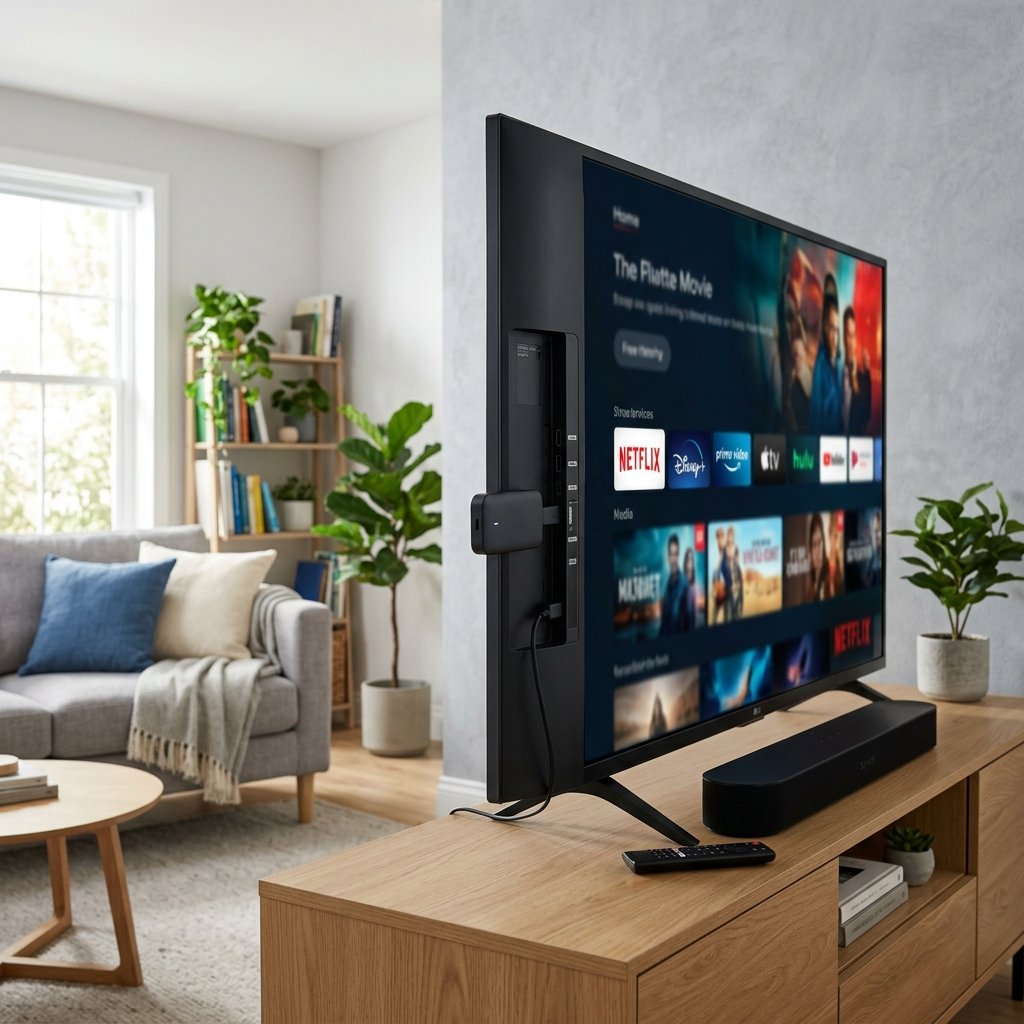
When you subscribe to a premium digital broadcasting service, the software you use to decode the stream is just as important as the servers providing it. Among the vast sea of media players available, one application stands out as the undisputed industry standard. A proper IPTV Smarters Pro setup provides a sleek, Netflix-style user interface that transforms complicated playlists into a beautiful, cinematic viewing experience.
Whether you are configuring a new Smart TV in your living room or setting up your mobile device for streaming on the commute, this comprehensive guide will walk you through the exact steps required to install, configure, and optimise Smarters Pro for the UK market.
1. Why Choose IPTV Smarters Pro?
Smarters Pro is not a service provider; it is simply a media player. Think of it as the advanced television set that requires a premium aerial (your subscription) to function. It is beloved by the streaming community for three primary reasons:
- Universal Compatibility: It is one of the few premium players that exists natively across almost every operating system, making it incredibly versatile. If you are learning how to watch on Apple TV or an Android box, Smarters Pro is likely available.
- Categorisation: It automatically categorises thousands of channels into neat, searchable folders (e.g., UK Sports, UK Documentaries, US Cinema).
- Multi-Screen Functionality: It features a built-in multi-screen option, allowing you to watch up to four live sports fixtures simultaneously on a single display.
2. Downloading the Application
Because Smarters Pro is highly popular, numerous cloned or malicious versions exist online. It is imperative that you only download the application from official sources. Cybersecurity professionals, as detailed in the Wikipedia Computer security article, strongly advise consumers to only install applications from verified digital storefronts.
For Android & Firestick: Search the Google Play Store or Amazon Appstore directly. If it is geo-blocked, use the official Downloader app and navigate directly to the developer’s verified website to retrieve the clean APK file.
For iOS & Apple TV: Simply search for “IPTV Smarters” in the Apple App Store. The iOS version is highly stable and regularly updated by the original developers.
3. The Login Process: Xtream Codes API
Once the application is installed and opened, you will be presented with several login methods. You must select “Login with Xtream Codes API”. This is far superior to the older “Load Your Playlist” (M3U) method, as it allows the app to automatically pull updates from the server without requiring you to manually refresh files.
You will need the welcome email provided when you purchased one of our premium IPTV Packages. Input the following details exactly as written:
- Any Name: Type anything you like, such as “Premium UK Stream”.
- Username: Your specific, case-sensitive username.
- Password: Your unique password.
- URL (Portal): The server address provided in your email (e.g., http://server-name.com:8080). Do not forget the “http://” prefix.
Click “Add User”. The application will now authenticate with the server and begin downloading the live channel roster, VOD library, and Electronic Programme Guide (EPG). This initial sync can take up to 60 seconds.
4. Optimising Your Smarters Pro Experience
To ensure a buffer-free 4K viewing experience, you must adjust a few internal settings. Navigate to the “Settings” gear icon in the top right corner of the main dashboard:
- Player Selection: Change the built-in media player from “Hardware Decoder” to “Hardware Decoder (HW+)”. This forces your device’s processor to handle the heavy video decoding, ensuring a smoother frame rate for live sports.
- EPG Timeline: Set the EPG to update daily. This ensures your TV guide is always accurate and reflects any sudden broadcasting changes in the UK schedule.
Conclusion
Smarters Pro bridges the gap between raw data streams and a luxury, living-room television experience. By following this setup guide and utilising the Xtream Codes API, your entire household can easily navigate thousands of live channels and movies. Should you encounter any playback issues after installation, please refer to our dedicated guide detailing why your IPTV is not working and common fixes.